
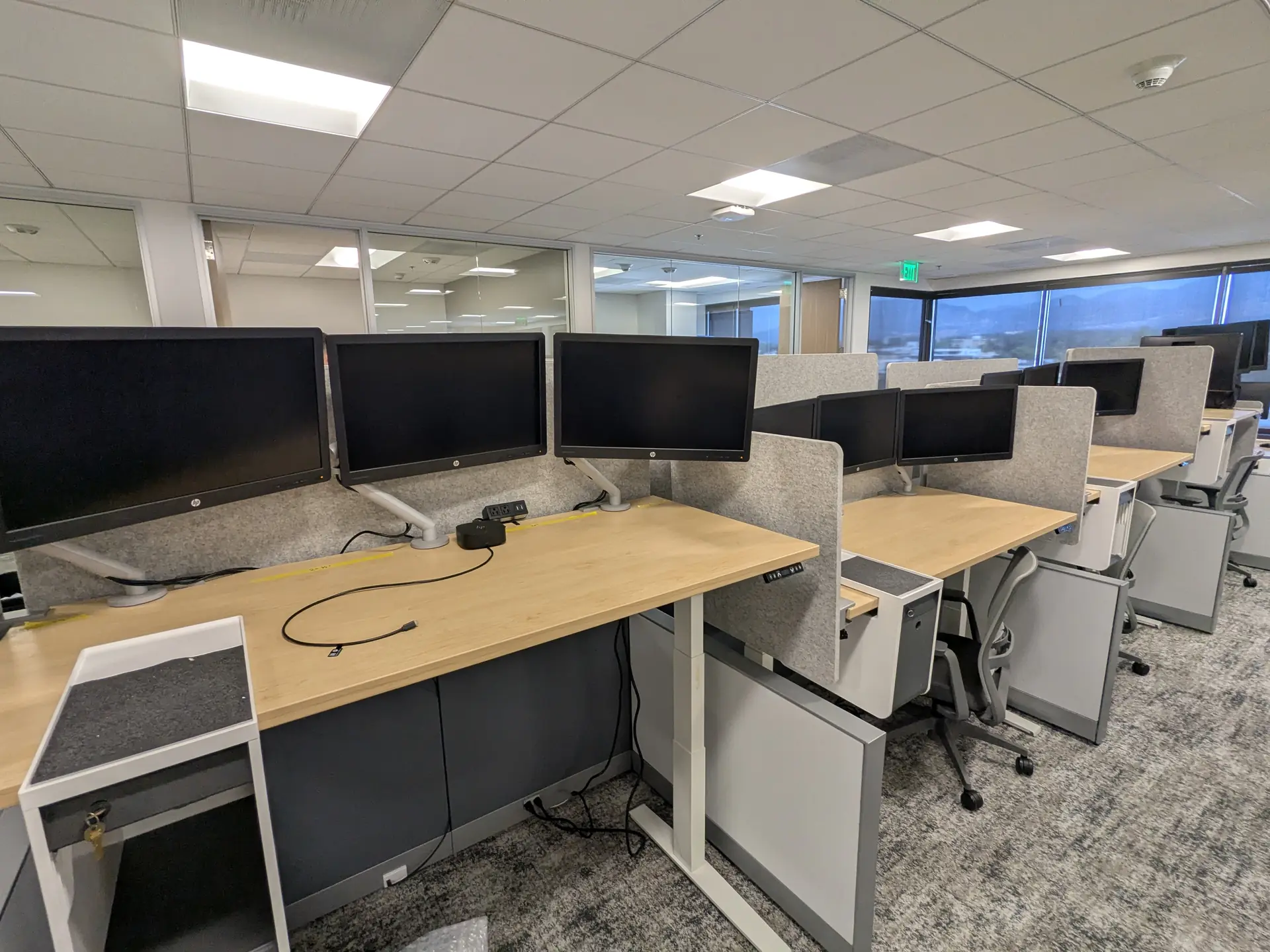
Office IT Relocation
Office IT Relocation Services in Los Angeles
Technical support for disconnecting, documenting, reconnecting, and testing your company’s workstations and network equipment during an office move.
Workstation Disconnect & Reconnect
MicroDataLogic handles the technology associated with employee workstations so each setup can be reconnected properly at the new office. The focus is not simply moving equipment—it is helping employees return to a complete, working setup after the move.
- Desktop computers and workstation equipment
- Monitors and monitor arms or mounts, when practical
- Docking stations, keyboards, mice, and USB peripherals
- VoIP phones, headsets, webcams, and conference-table devices
- Desktop and network printers
- Cable reconnection, organization, and workstation testing
Server & Network Equipment Relocation
We can also assist with the physical disconnection, relocation support, reconnection, and basic testing of server-room and network equipment included in the agreed project scope.
- Servers and related hardware
- Network switches, routers, and firewalls
- Wireless access points and related network devices
- UPS units and small network-room equipment
- Equipment labeling, cable identification, and documentation
- Freestanding racks only when safely movable and not bolted to the floor
How Equipment Transportation Is Handled
MicroDataLogic handles the technical work before and after the move. Transportation responsibilities depend on whether the equipment is moving within the same building or to a different address.
Moves Within the Same Building
We can disconnect the covered IT equipment, place it into client-provided protective bins or onto carts, move it between offices, suites, or floors using the building’s service elevators, then reconnect and test it at the destination.
Moves Between Separate Addresses
We disconnect, label, and organize the covered equipment at the original office. The client or moving company handles loading, transportation, unloading, and placement at the new office. Once the equipment is in place, we reconnect and test the technology.
The client or moving company must provide protective bins, carts, dollies, packing materials, and any required transportation vehicles.
Before the Move
A consistent labeling and documentation process helps preserve the relationship between equipment, users, and destination workspaces.
- Review the agreed equipment and workstation scope
- Identify and label equipment, cables, and destination locations
- Document workstation and network-equipment connections as needed
- Shut down and disconnect covered technology
- Organize equipment for placement into client-provided bins or carts
At the New Office
Once the equipment reaches its assigned destination, the priority shifts to restoring each workstation and included network device to service.
- Verify the delivered equipment against workstation labels and assigned locations
- Reconnect power, displays, docks, peripherals, phones, and network cables
- Reassemble included workstation components as agreed
- Organize accessible workstation cabling
- Test workstations, displays, peripherals, phones, printers, and basic connectivity
Clear Scope & Expectations
We are IT technicians supporting the technology portion of an office move—not a general office moving company. The project scope is reviewed in advance so responsibilities are clear.
Typically Included
Workstation and IT-equipment labeling, disconnection, reconnection, cable setup, basic testing, same-building relocation assistance with client-provided bins and carts, and agreed server or network-equipment tasks.
Typically Not Included
Office furniture, large conference-room televisions, large floor-standing copiers, appliances, general electronics, structured cabling, racks bolted to the floor, packing supplies, moving vehicles, and transportation between separate addresses.
Final responsibilities depend on equipment size, site access, safety, building requirements, and the scope agreed before the move.
Planning an Office Technology Move?
Share the current and destination locations, move date, workstation count, network-equipment scope, and transportation plan. I’ll reply with availability and next steps.